October 08, 2026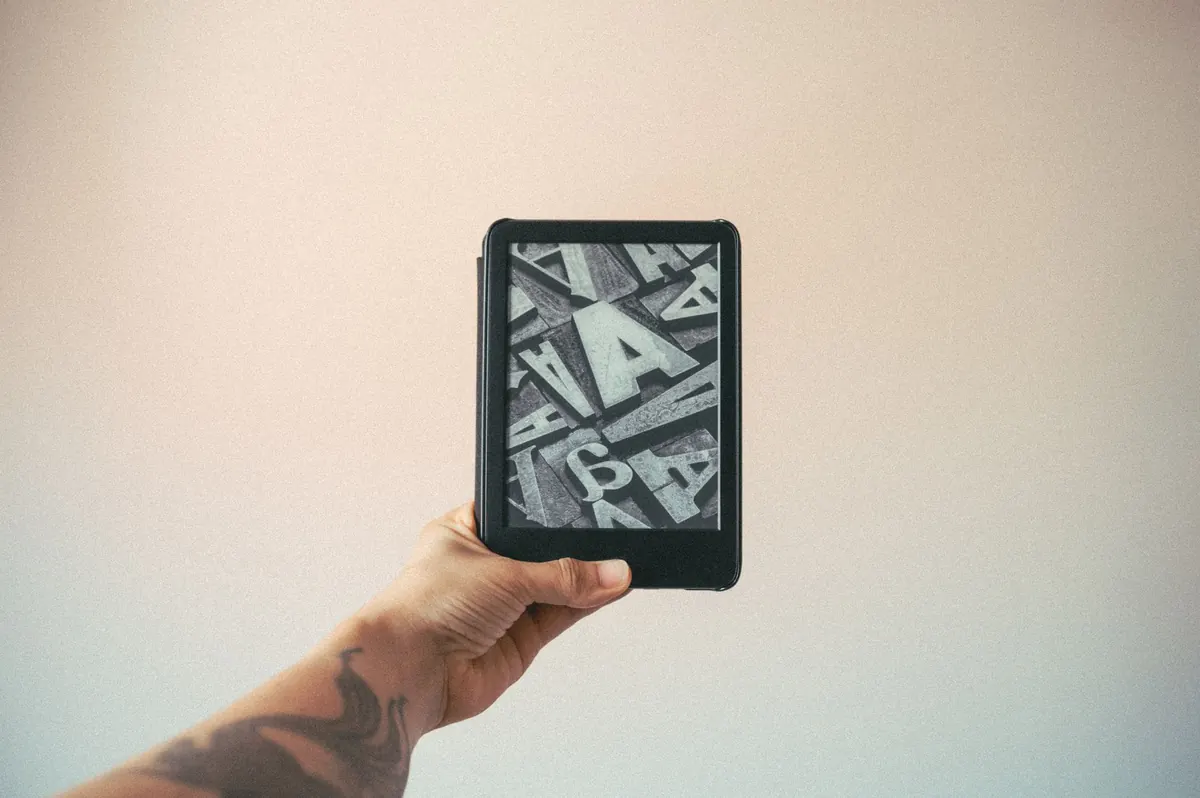
Someone who finishes three novels a month and someone who opens one book a year need different hardware. That sounds obvious, yet the e-reader-versus-tablet question still trips up plenty of buyers, usually because they shop for features instead of habits.
The honest answer is that both devices will put a novel in front of your eyes. They diverge in hour three of a reading session, in how often you hunt for a charger, and in how easily a notification pulls you out of a chapter. Which of those matters most is the whole decision.
Start With How You Actually Read
Before comparing specs, picture a normal reading week. Not your ideal week — the real one, with a commute, a lunch break, and twenty minutes in bed before the lights go out.
If your reading is mostly long-form fiction, essays, and narrative nonfiction read in long, quiet stretches, you are the person a dedicated e-reader was built for. If your reading is scattered across PDFs, comics, magazines, web articles, and the occasional book, a tablet will earn its keep far more often.
Most people overestimate how much they will use a device for one purpose and underestimate how much they will use it for three. Be honest about your track record: your phone's screen time report is a more reliable guide than your intentions.
Eye Comfort: The Real Difference
An e-reader's screen is reflective, like paper. It does not shine light into your eyes; it bounces ambient light back. Most modern e-readers add a front light that glows across the surface rather than behind it, so you can read in the dark without the screen acting like a small window.
A tablet is the opposite: an LCD or OLED panel emitting light directly at you. That brings color, contrast, and speed, which matter enormously for comics, illustrated cookbooks, and anything with complicated page layouts. It also means more glare in bright rooms and a screen that competes with the room around it.
Practical steps that help on either device
- Match screen brightness to the room. A screen much brighter than your surroundings is the usual culprit behind tired eyes.
- Use a warmer, less blue color setting in the evening if your device offers one.
- Look at something across the room every twenty minutes or so, and blink deliberately — people blink far less when reading on a screen.
- Increase font size instead of holding the device closer. Larger text with wider line spacing genuinely reduces effort.
If reading on a screen reliably gives you headaches or eye pain, that is worth a conversation with an optometrist rather than a device upgrade. Screen choice is not a substitute for getting your vision checked.
Battery Life and the Charging Habit
This is where dedicated e-readers pull away. Because the display only draws power when the page changes, a charge can last weeks for a typical reader. A tablet, doing everything a tablet does, usually wants a charge every day or two.
That gap sounds trivial until you notice what it changes. A device that lives for a month can sit in a bag, uncharged, and still work on a flight. A device that needs nightly charging becomes one more thing to remember — and the evening you forget is the evening you read on your phone instead.
You can stretch a tablet's battery by turning on airplane mode while reading, lowering brightness, and closing background apps. But you are managing the problem rather than avoiding it.
Apps, Notes, and Getting Books Onto the Device
E-readers are deliberately limited. That limitation is the product. There is no social feed to check, no email badge, no browser tab waiting. Many people find they read noticeably more in the first month simply because nothing else is competing for the screen.
If you borrow from libraries
Library lending through apps such as Libby works well on tablets and phones, and on e-readers that support those apps — which excludes some of the most popular dedicated readers. Check this before you buy if free borrowing is central to your plan.
If you annotate, highlight, or read PDFs
A tablet handles this with far less friction. Large PDFs, research papers, scanned documents, and textbooks with diagrams are painful on a small e-ink screen, and color-coded highlighting is a tablet strength. Note-taking e-readers with styluses exist and sit between the two categories, but they cost more than a basic reader.
Buying books is the other half of the equation. Each e-reader ecosystem sells its own store, and books bought there generally stay there. If you already own a library of ebooks from one store, stay in that ecosystem unless you are willing to convert files. Sideloading works, but it is fiddly and DRM-protected titles will not move freely.
Price: Where the Money Actually Goes
A dedicated e-reader is usually the cheaper purchase than a full-size tablet from a major brand, though a basic tablet can cost about the same as a mid-range reader. Neither requires a subscription to be useful.
Watch the extras. A case, a charger, a stylus, and a store credit can quietly add a meaningful amount to whichever device you choose. And be skeptical of bundles that include a subscription you would not otherwise buy — that is a recurring cost dressed up as a discount.
Think in cost per hour of reading rather than sticker price. A device you use four evenings a week for three years is cheap regardless of category. The expensive purchase is the one that ends up in a drawer by February.
Who Should Buy Which
- Buy a dedicated e-reader if you read mostly text, want weeks of battery, get distracted by apps, or read before sleep in a dark room.
- Buy a tablet if you read comics, PDFs, magazines, or textbooks; if you want one device for reading, video, and browsing; or if you borrow heavily from library apps.
- Buy both, eventually — a used or older e-reader is a reasonable second device for fiction if a tablet is already doing the rest of the work.
A Ten-Minute Way to Decide
Open your last five books in your head. If four of them were plain text and you read them in long sittings, choose the e-reader. If two or more had images, charts, or awkward layouts, choose the tablet.
Then do one thing: hold the device you are considering before buying, or order from a seller with a straightforward return window. Weight, screen size, and button placement matter more in daily use than any spec sheet suggests, and ten minutes with the real thing settles questions that reviews cannot.
Whatever you pick, set it up properly on day one — library card linked, brightness tuned, first book downloaded and open. The device that is ready when you sit down is the one you will keep reading on.
Photo: Ivett M / Pexels